
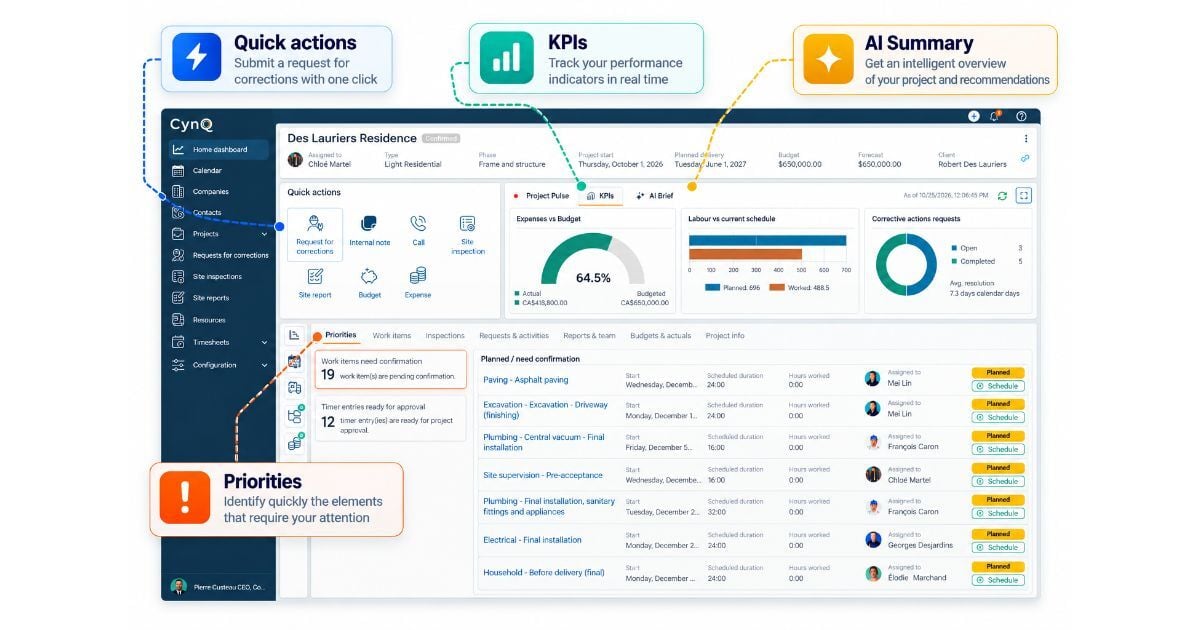
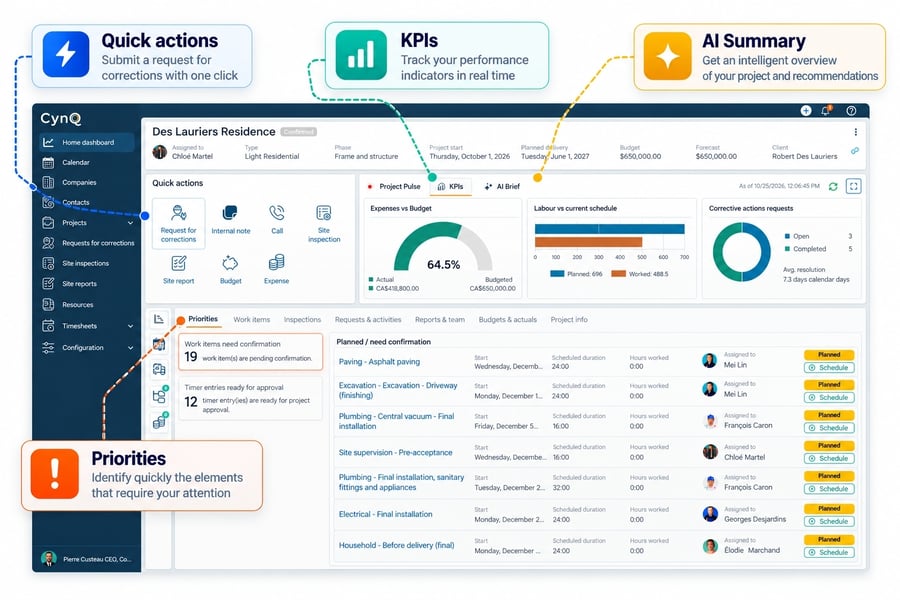
We've completely redesigned the project screen to give you a comprehensive overview and greater control over what's actually happening on your jobsites.
All essential information and key features are now brought together in one place, with a more intuitive layout that helps you quickly assess project progress and overall health, and take action with fewer clicks.
Access essential features directly from the project screen without navigating through multiple menus:
-
Create a corrective action request
-
Add an internal note
-
Log a call
-
Generate an inspection report
-
Complete a daily jobsite report
-
View or update the budget
-
Record an expense
The new KPI section lets you track key performance indicators across your projects, including:
-
Financial performance
-
Work progress
-
Quality indicators

- Identifies risks and deviations
- Recommends actions to improve project execution and profitability
The new project screen gives you a clear overview of your priorities and work items, whether they're planned, in progress, or awaiting completion. And because having access to information isn't enough, you can now:
-
Publish work items
-
Mark activities as complete
-
All directly from the widgets and lists.
Import Your Wage Rates
You can now import your wage rates, including CCQ rates by trade classification and project type.
A simpler way to manage labor costs and improve the accuracy of your project data.
Want to learn more about CynQ’s features? Contact us for a démo!